
Telegram · privacy
One check: sent. Two checks: read. And no, there is no switch to hide it: on Telegram read receipts are not negotiable.
If you arrive from WhatsApp looking for the hide-reads button, bad news: it does not exist. Good news: Telegram gives you other controls that do matter.
What each check means
One check: the message reached Telegram’s cloud and the other person was notified (if they allow notifications). Two checks: they opened the chat and read it. There is no delivered-to-device mark. In groups, two checks appear as soon as one member reads it. In secret chats you also get screenshot alerts.
- One check: sent
- Two checks: read
- Secret chats: screenshot alerts
Why it cannot be turned off
Telegram offers no option, not even paid: receipts are part of normal chat protocol. Workarounds (preview without opening, airplane mode) are patches, not settings: they fail and do not scale.
- No official switch
- Preview: partial reading only
- Airplane mode: trick, not setting
Your real privacy
Settings > Privacy and Security: control Last Seen and online, profile photo, forwards (link to your account) and who adds you to groups. If you hide your Last Seen from someone, you can also hide from them the time you read their messages; the two checks still appear. That protects; the checks do not.
- Last Seen and online
- Photo and forwards
- Who writes and adds you
✓ Do this
- Set up Last Seen
- Read before accusing
- Accept the double check
✕ Avoid this
- Demand tricks
- Blame for reading
- Ignore the real settings
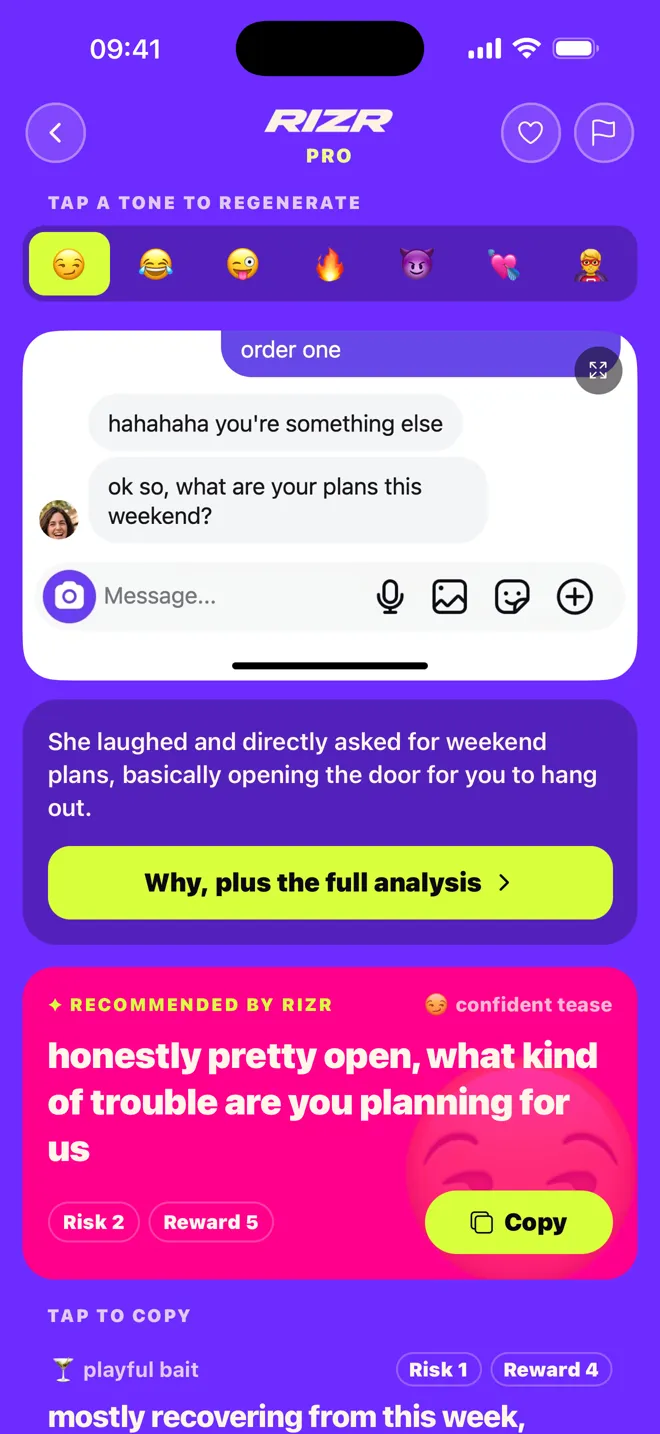
Read and unanswered? Generate a value-adding second message in RIZR and edit it before sending.
What to replyQuick questions
Can read receipts be disabled on Telegram?
Do two checks always mean read?
How do I know who read my message in a Telegram group?
Can I hide when I read a message?
What about secret chats?
Keep reading
Updated September 6, 2026 · Diego (Rizr team)