AI reply assistant comparison
RIZR vs Liggo: chat assistant comparison
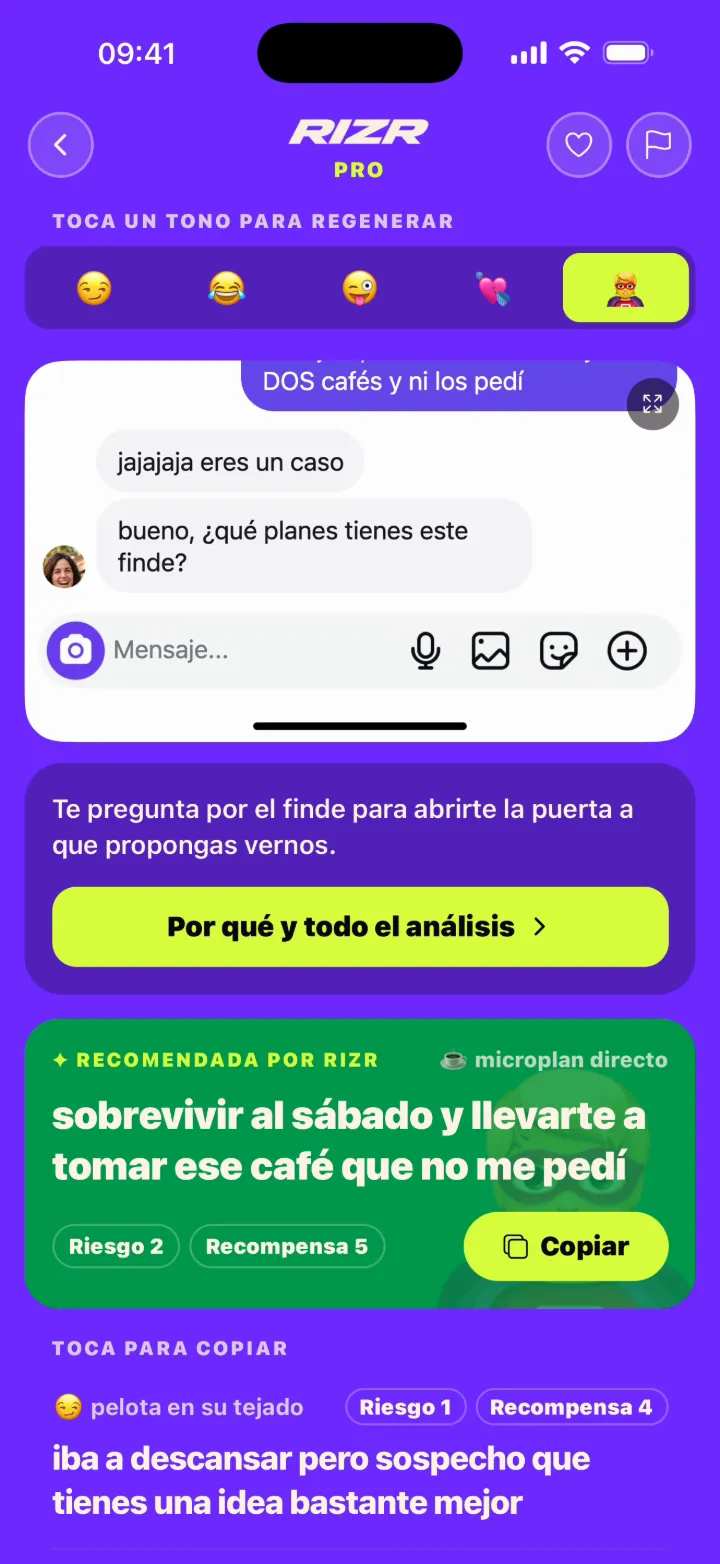
RIZR and Liggo both use conversation screenshots to suggest messages. The useful differences are their styles, published information, and which workflow fits you.
Try the reply tool

x-default, es, en, it, fr, pt-BR, de, nl, ja, ko, zh-CN, ar
Side by side
| Aspect | RIZR | Liggo |
|---|---|---|
| Input and workflow | Text or screenshot, style selection, and several suggestions to review and copy. | Conversation screenshot, mode selection, and personalised options based on context and tone. |
| Published styles | 7 styles in the current product contract. | Five website modes: Funny, Flirt, Provocative, In Love, and Epic Save. |
| Message control | RIZR does not auto-send: you review, edit, copy, and send. | Its website describes choosing or adjusting a reply; the person remains responsible for sending. |
| Data and transparency | The anonymous demo creates no screenshot file; account history remains until account deletion. | Its policy says photos or library data may be uploaded to its servers or a service provider. Check the current policy. |
Questions about this comparison
Practical differences, limits and privacy · 3 questions
Which is better, RIZR or Liggo?
There is no universal winner. Test the same conversation, compare naturalness, styles, and data policies, then choose the workflow you would actually use.
Do both apps accept screenshots?
Yes. Both describe screenshot-based conversation workflows. Crop names, phone numbers, photos, and anything not needed for context.
Does either app send messages for me?
RIZR does not. Liggo public information says the person chooses or adjusts the suggestion; always inspect the app before granting permissions.
Primary sources
Reviewed on:
- Liggo official website
- Liggo App Store listing
- Liggo Google Play listing
- Liggo privacy policy
- Liggo terms
Independent editorial comparison. RIZR is not affiliated with Liggo. Liggo and related marks belong to their owners.
Compare with a real conversation
Try text or a screenshot in RIZR, review the options, and decide what to send.
More situations and guides